Royal Caribbean is offering a number of one-off cruises in 2027 that are not the sort of typical sailings we expect.
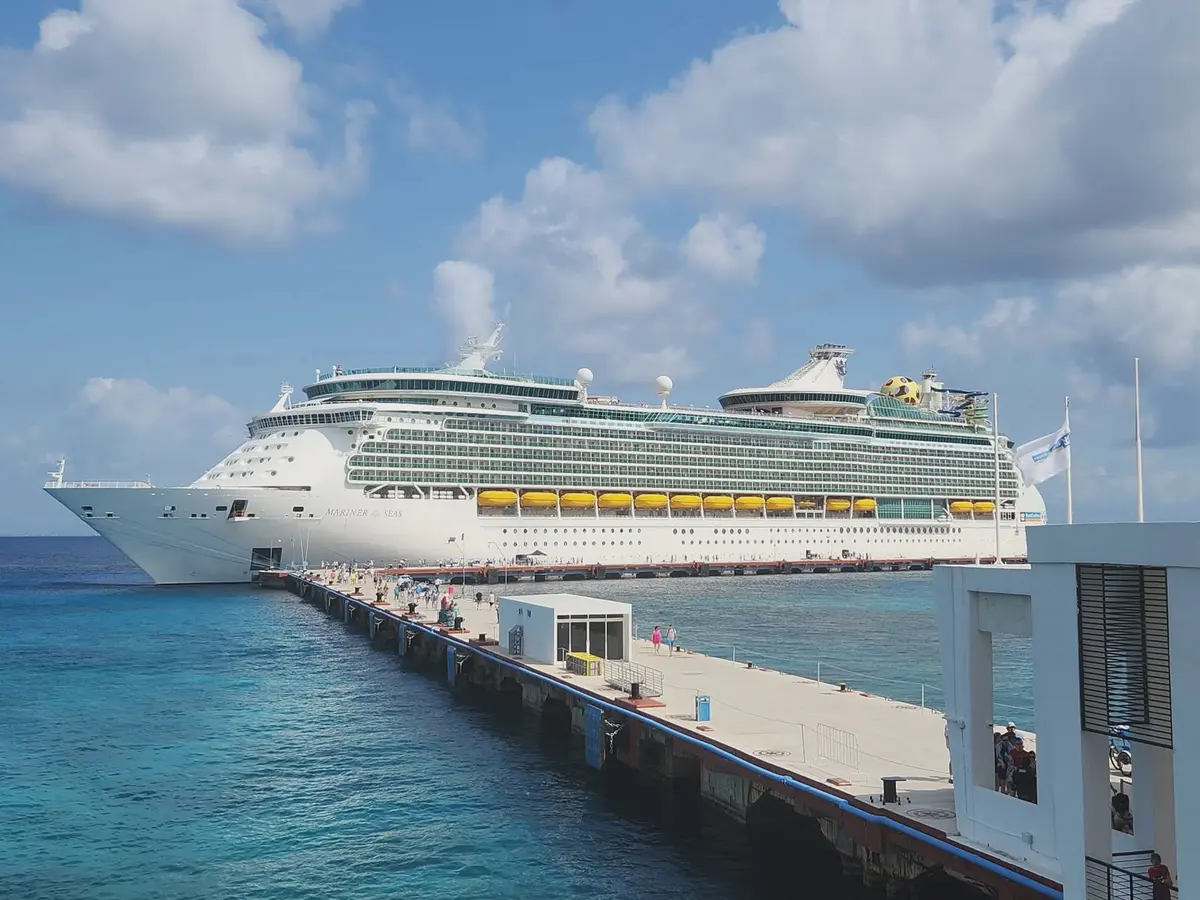
With The Bahamas and Caribbean being year-round destinations, it is easy to visit the same ports of call — such as Perfect Day at CocoCay; Cozumel, Mexico; and Charlotte Amalie, St. Thomas — over and over.
However, as you climb the Crown & Anchor Society tiers, you may begin to crave different experiences. Thankfully, there are plenty of overlooked itineraries that fly under the radar.
If you are willing to branch out, you will find that Royal Caribbean's 2027 lineup is actually pretty interesting and offers plenty of opportunities to discover new destinations.
Although many of these one-off wonders are the cruise line's unique twist on repositioning cruises, that doesn't mean they aren't worth considering for your next cruise vacation, especially if you're itching for more time at sea.
Editor's note: Cruise pricing can change at any time based on demand, availability, and promotional offers. All fares mentioned in this article were accurate at the time of publication. However, for accurate pricing, check directly on Royal Caribbean's website or speak with your travel advisor.
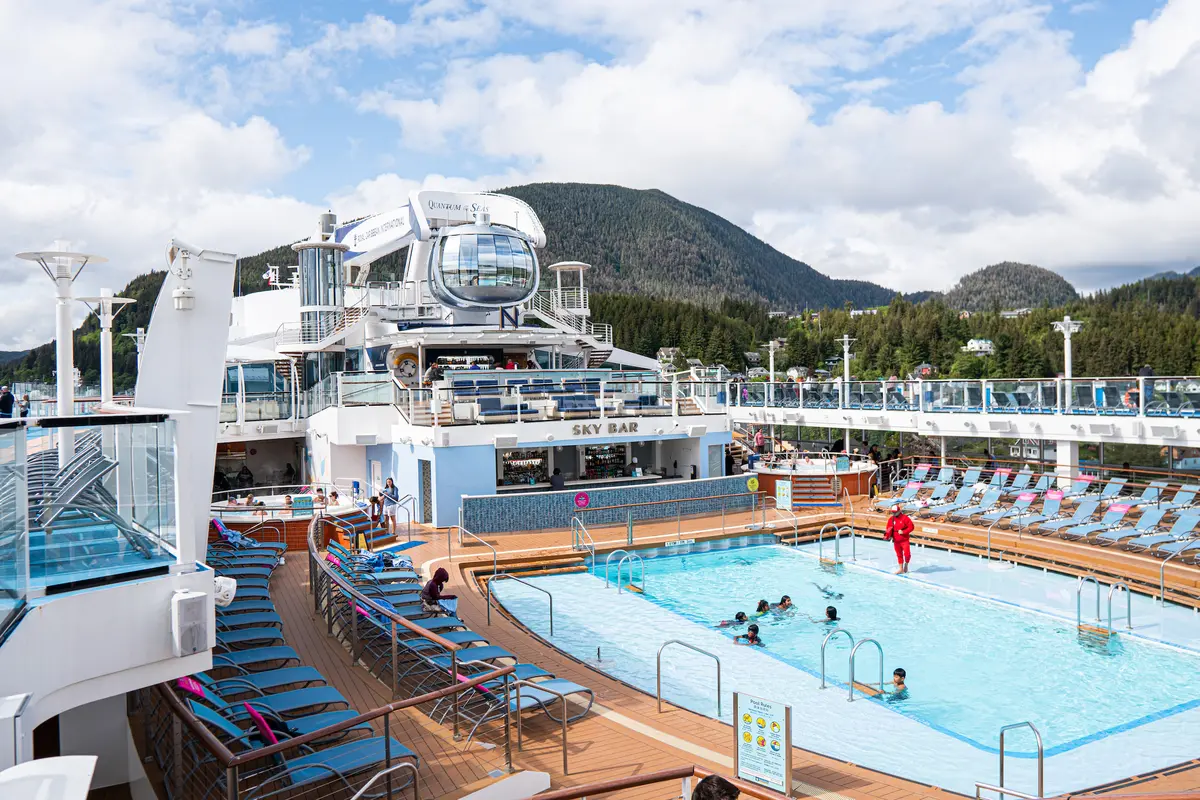
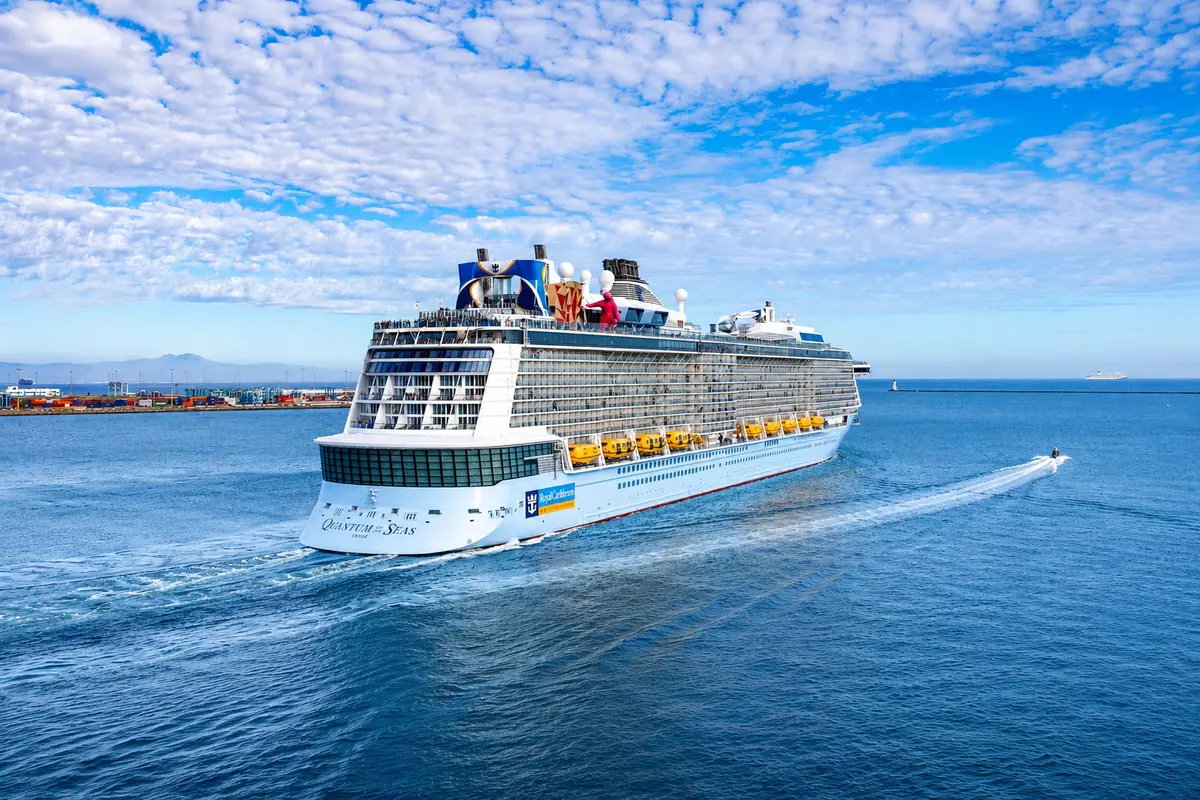
Quantum of the Seas — 23-Night Transpacific / April 11, 2027
Dates: April 11-May 3, 2027
Embarkation port: Brisbane, Australia
Disembarkation port: Seattle, Washington
Lowest rate: $3,236 per person for an interior cabin
Ports of call:
- Papeete, Tahiti
- Moorea, French Polynesia
- Raiatea, French Polynesia
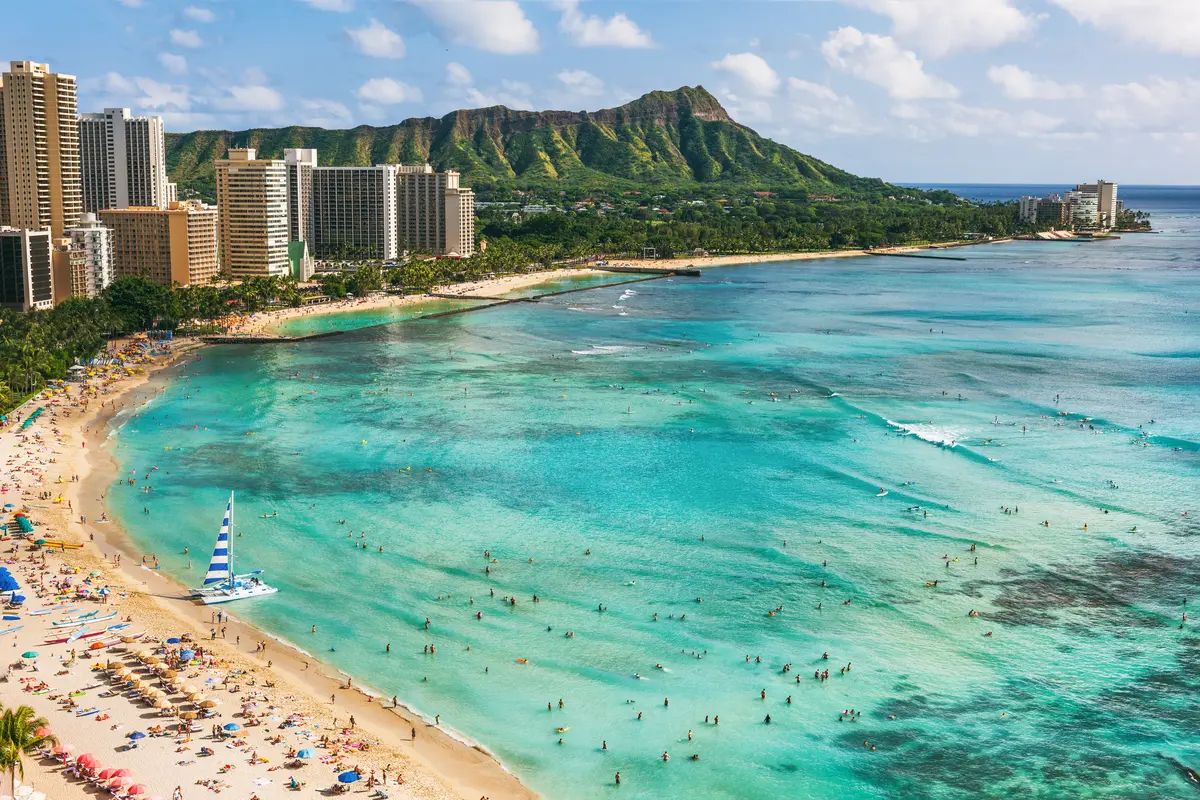
- Oahu (Honolulu), Hawaii
Anthem of the Seas — 16-Night Transpacific / April 14, 2027
Dates: April 14-29, 2027
Embarkation port: Sydney, Australia
Disembarkation port: Oahu (Honolulu), Hawaii
Lowest rate: $2,311 per person for an interior cabin
Ports of call:
- Papeete, Tahiti
- Moorea, French Polynesia
- Raiatea, French Polynesia
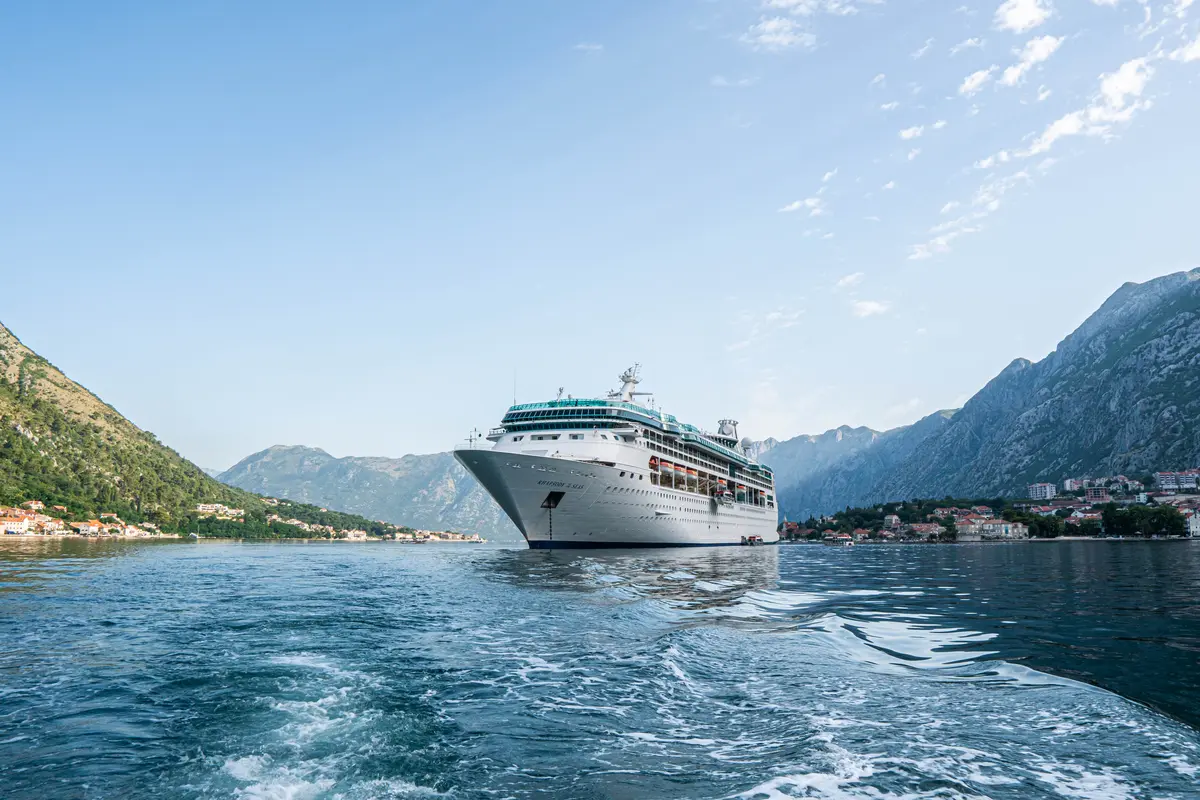
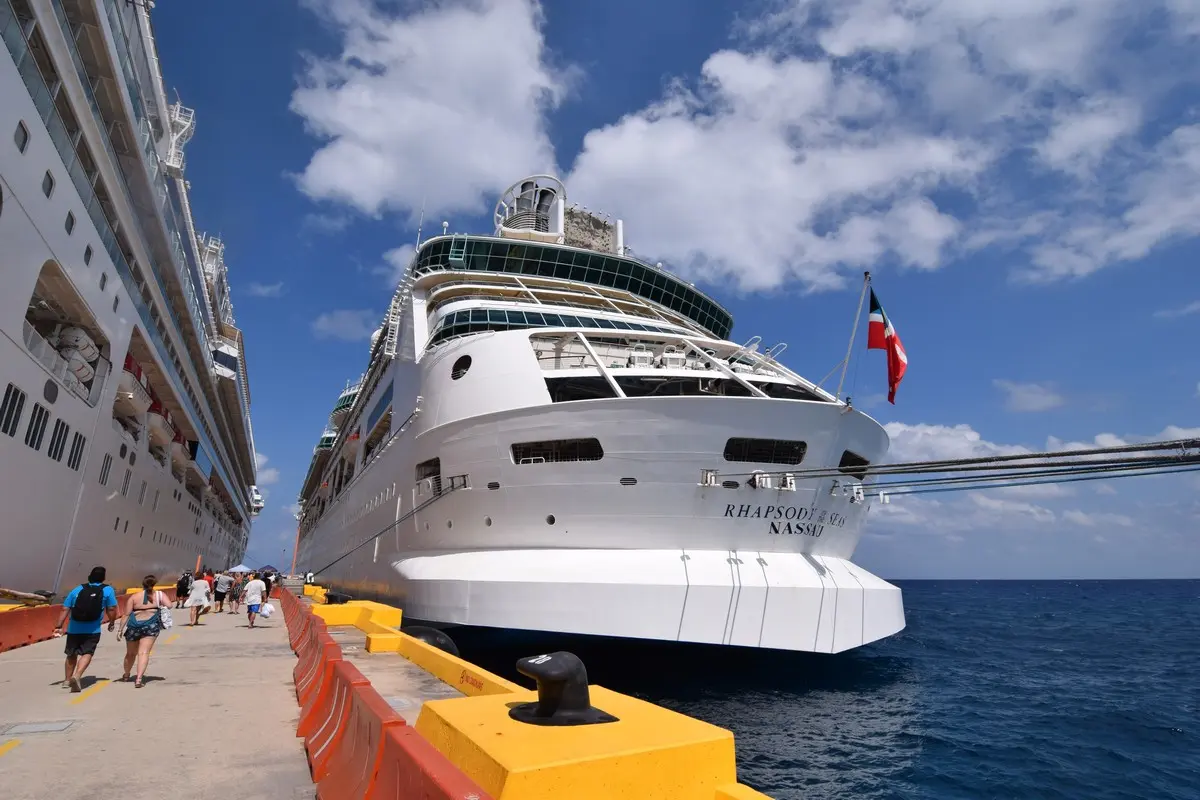
Rhapsody of the Seas — 14-Night Spain & Morocco / April 19, 2027
Dates: April 19-May 3, 2027
Embarkation port: Miami, Florida
Disembarkation port: Barcelona, Spain
Lowest rate: $788 per person for an interior cabin
Ports of call:
- Casablanca, Morocco
- Tangier, Morocco
- Málaga, Spain
- Alicante, Spain
- Valencia, Spain
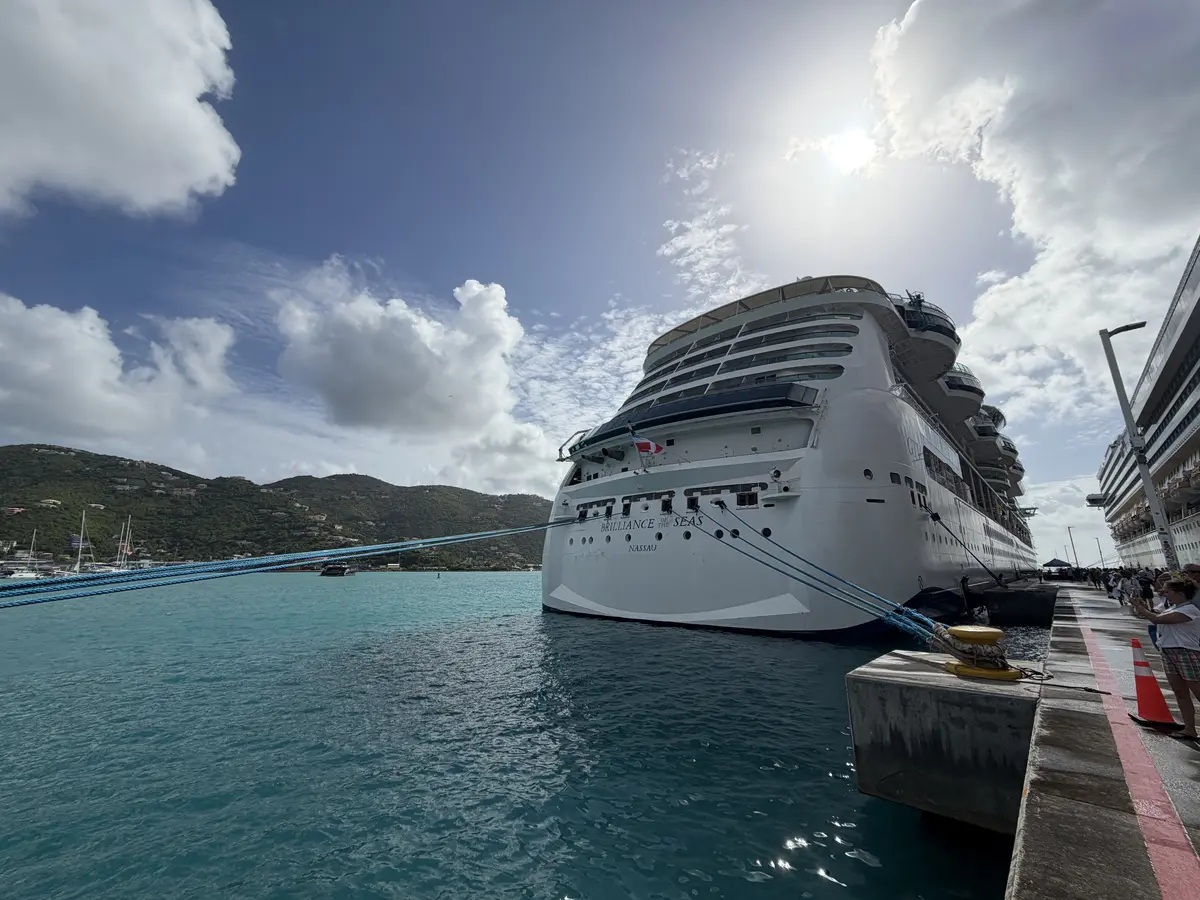
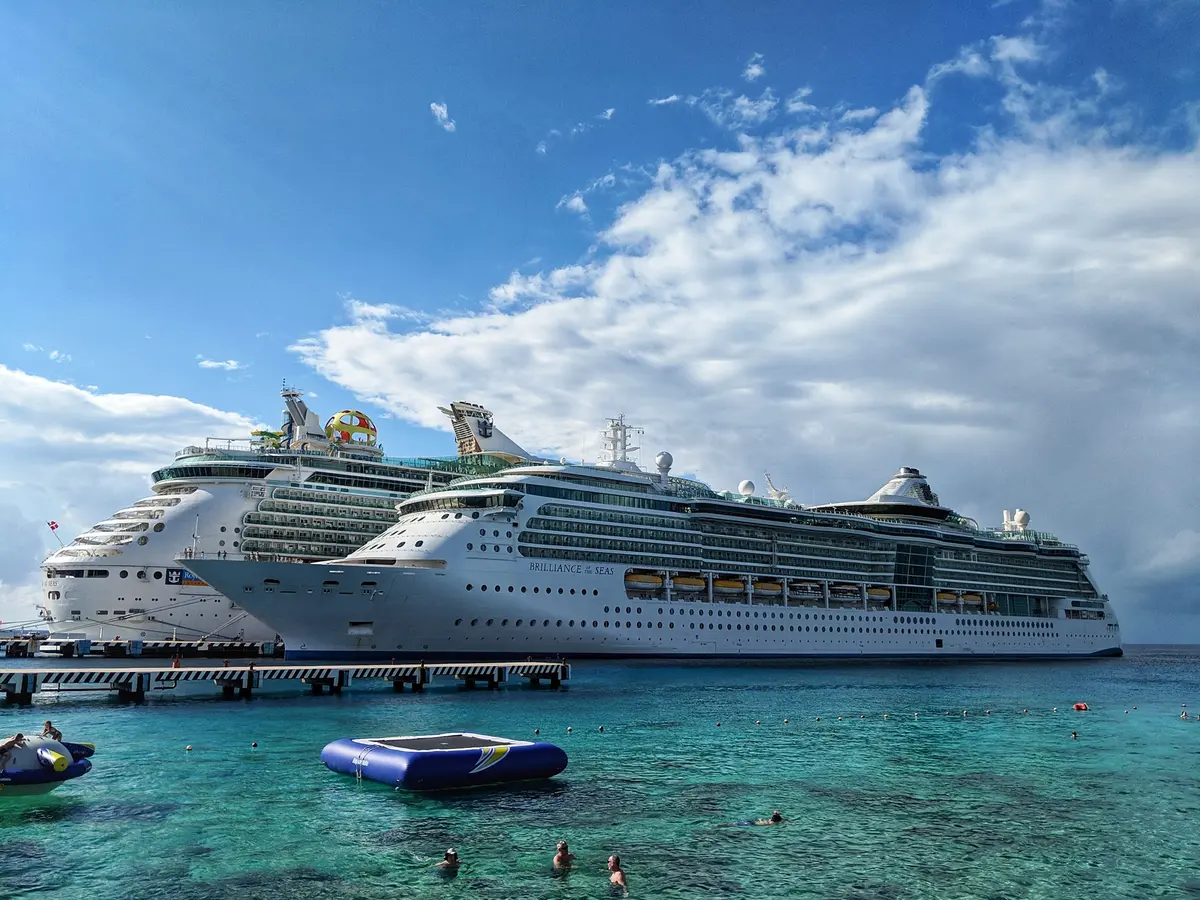
Brilliance of the Seas — 15-Night Spain & Morocco / April 23, 2027
Dates: April 23-May 8, 2027
Embarkation port: Fort Lauderdale, Florida
Disembarkation port: Barcelona, Spain
Lowest rate: $822 per person for an interior cabin
Ports of call:
- Nassau, Bahamas
- Tangier, Morocco
- Seville (Cadiz), Spain
- Málaga, Spain
- Cartagena, Spain
- Valencia, Spain
Grandeur of the Seas — 7-Night Colón to San Juan / April 24, 2027
Dates: April 24-May 1, 2027
Embarkation port: Colón, Panama
Disembarkation port: San Juan, Puerto Rico
Lowest rate: $566 per person for an interior cabin
Ports of call:
- Kingstown, St. Vincent
- Castries, St. Lucia
- St. John's, Antigua
- Tortola, British Virgin Islands
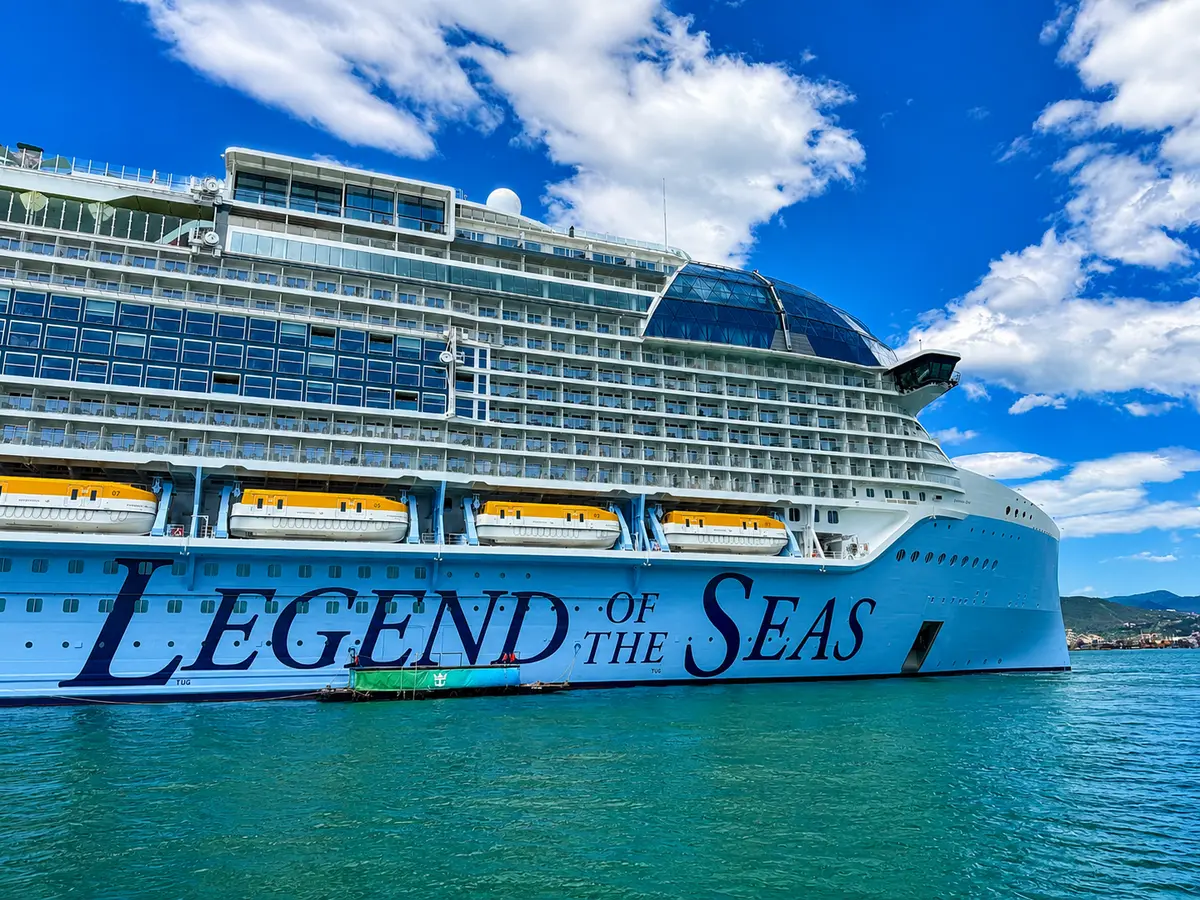
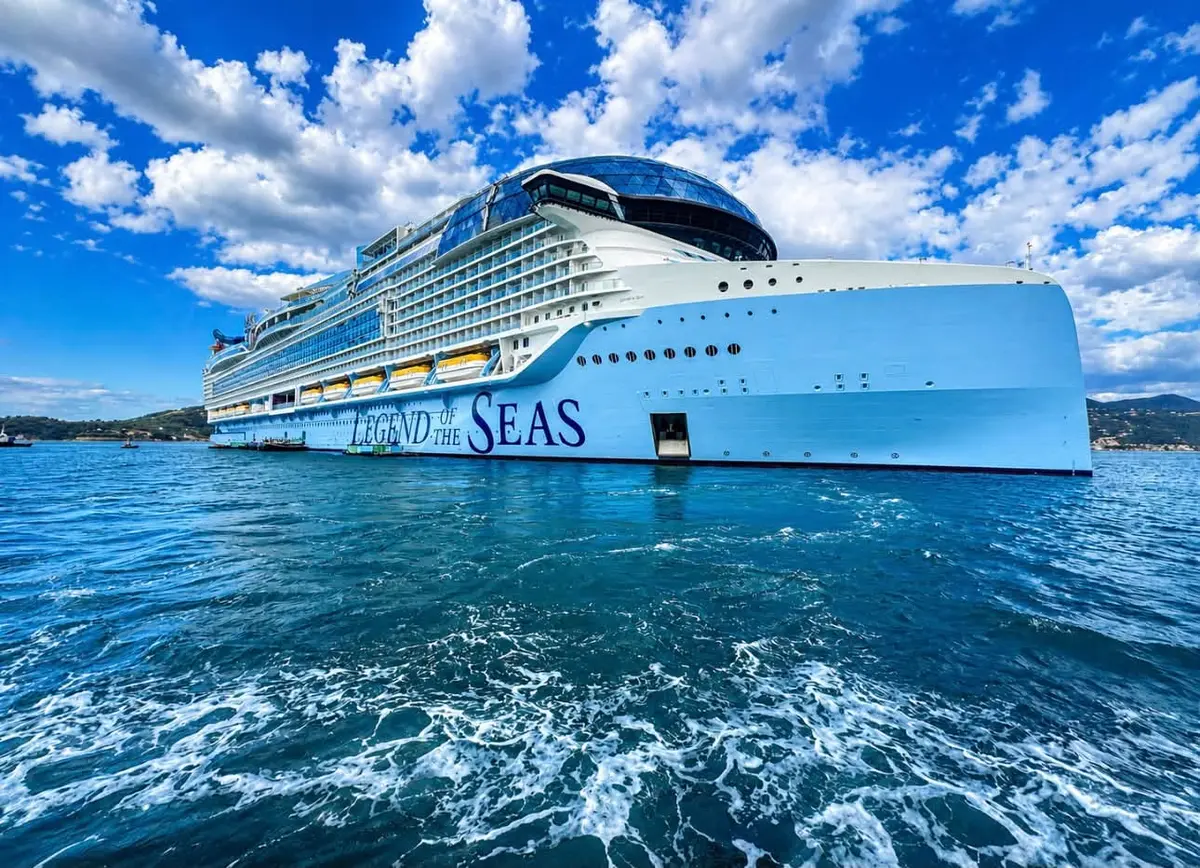
Legend of the Seas — 14-Night Spanish Transatlantic / April 25, 2027
Dates: April 25-May 9, 2027
Embarkation port: Fort Lauderdale, Florida
Disembarkation port: Barcelona, Spain
Lowest rate: $1,570 per person for an interior cabin
Ports of call:
- Seville (Cadiz), Spain
- Málaga, Spain
- Alicante, Spain
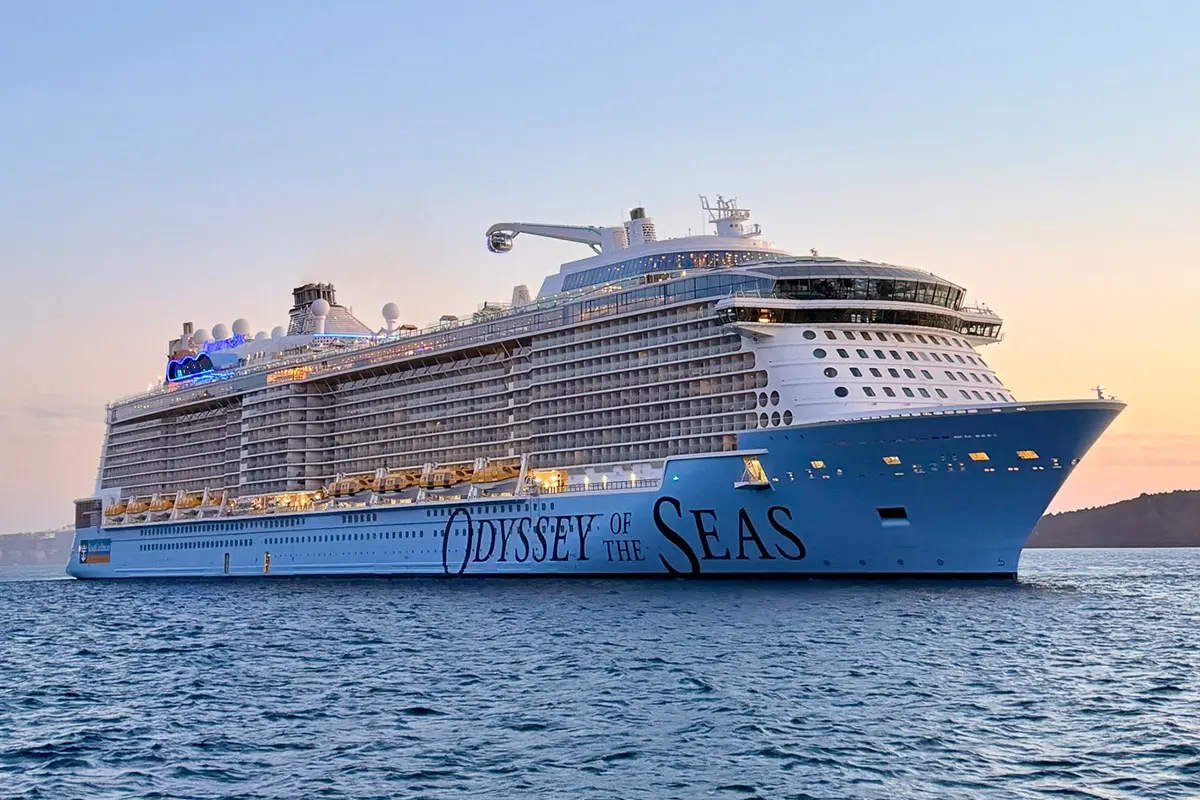
Odyssey of the Seas — 14-Night Spain, Italy, Azores Transatlantic / April 25, 2027
Dates: April 25-May 9, 2027
Embarkation port: Cape Liberty, New Jersey
Disembarkation port: Rome (Civitavecchia), Italy
Lowest rate: $1,234 per person for an interior cabin
Ports of call:
- Ponta Delgada, Azores
- Málaga, Spain
- Cartagena, Spain
- Barcelona, Spain
- Florence / Pisa (La Spezia), Italy
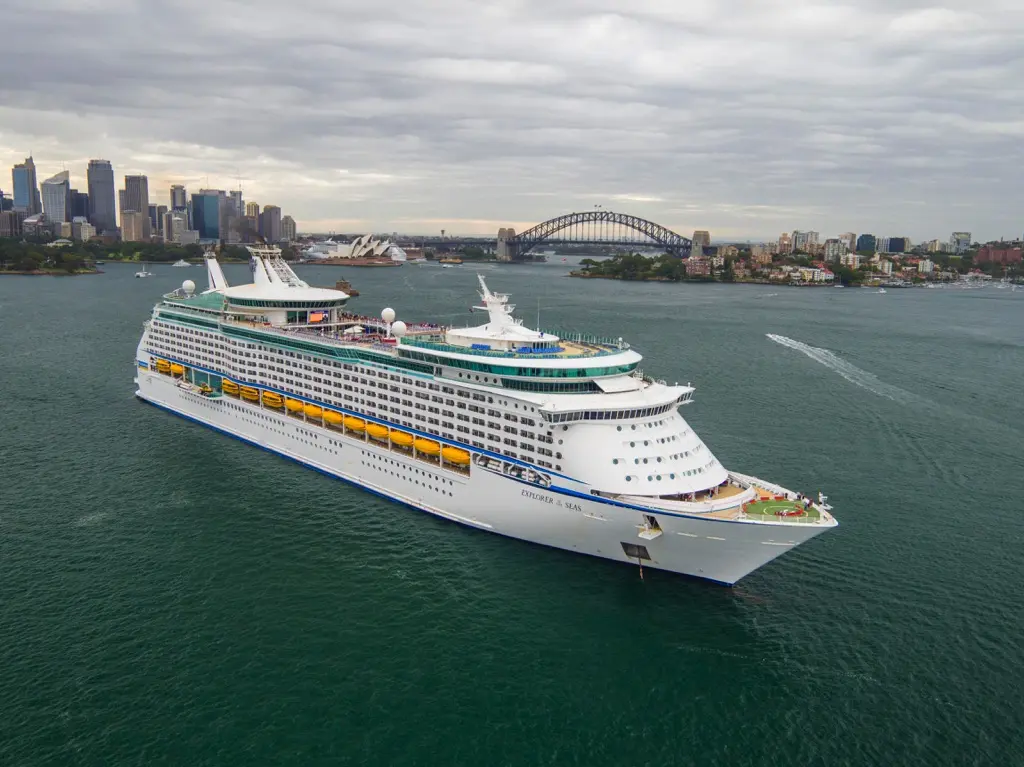
Explorer of the Seas — 14-Night Spain, Italy, Azores Transatlantic / April 26, 2027
Dates: April 26-May 10, 2027
Embarkation port: Orlando (Port Canaveral), Florida
Disembarkation port: Barcelona, Spain
Lowest rate: $740 per person for an interior cabin
Ports of call:
- Madeira (Funchal), Portugal
- Seville (Cadiz), Spain
- Málaga, Spain
- Cartagena, Spain
- Palma de Mallorca, Spain
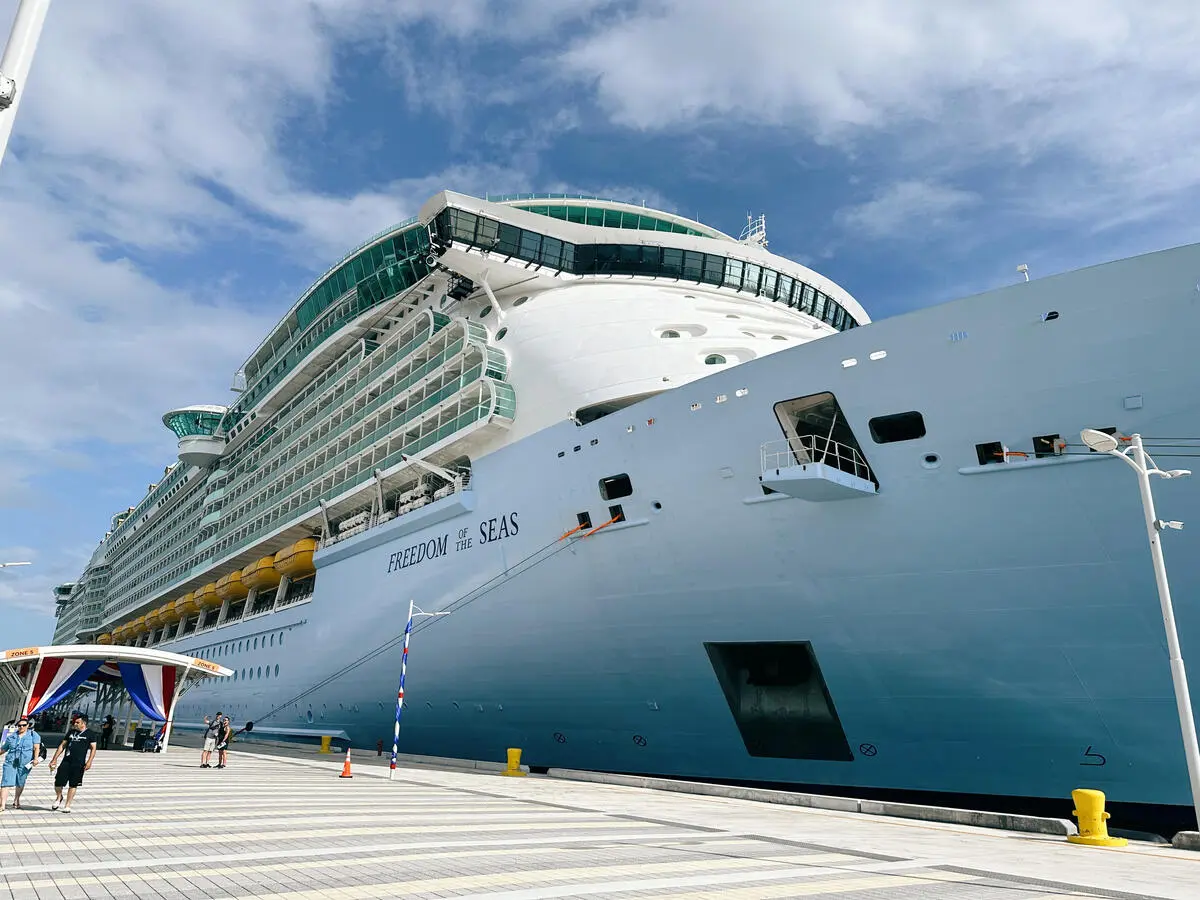
Freedom of the Seas — 12-Night Bermuda & Azores / April 27, 2027
Dates: April 27-May 9, 2027
Embarkation port: Miami, Florida
Disembarkation port: Southampton, England
Lowest rate: $707 per person for an interior cabin
Ports of call:
- Royal Naval Dockyard, Bermuda
- Ponta Delgada, Azores
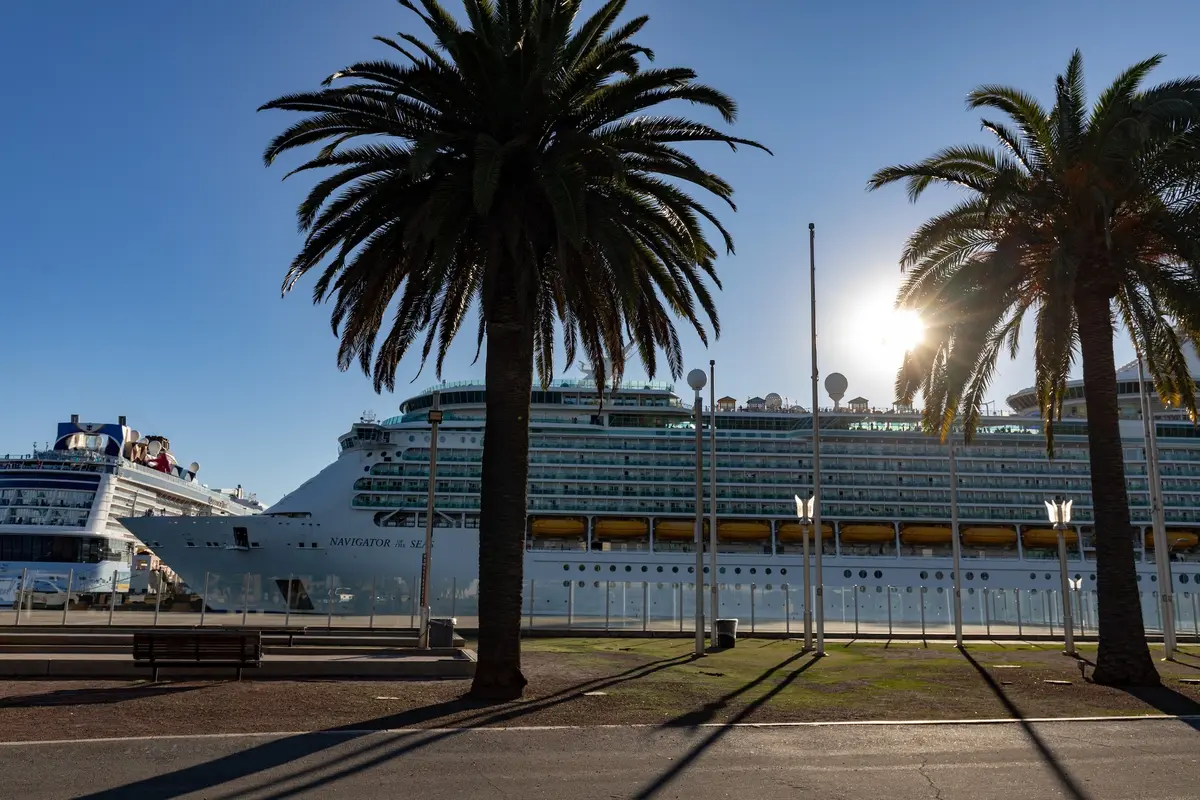
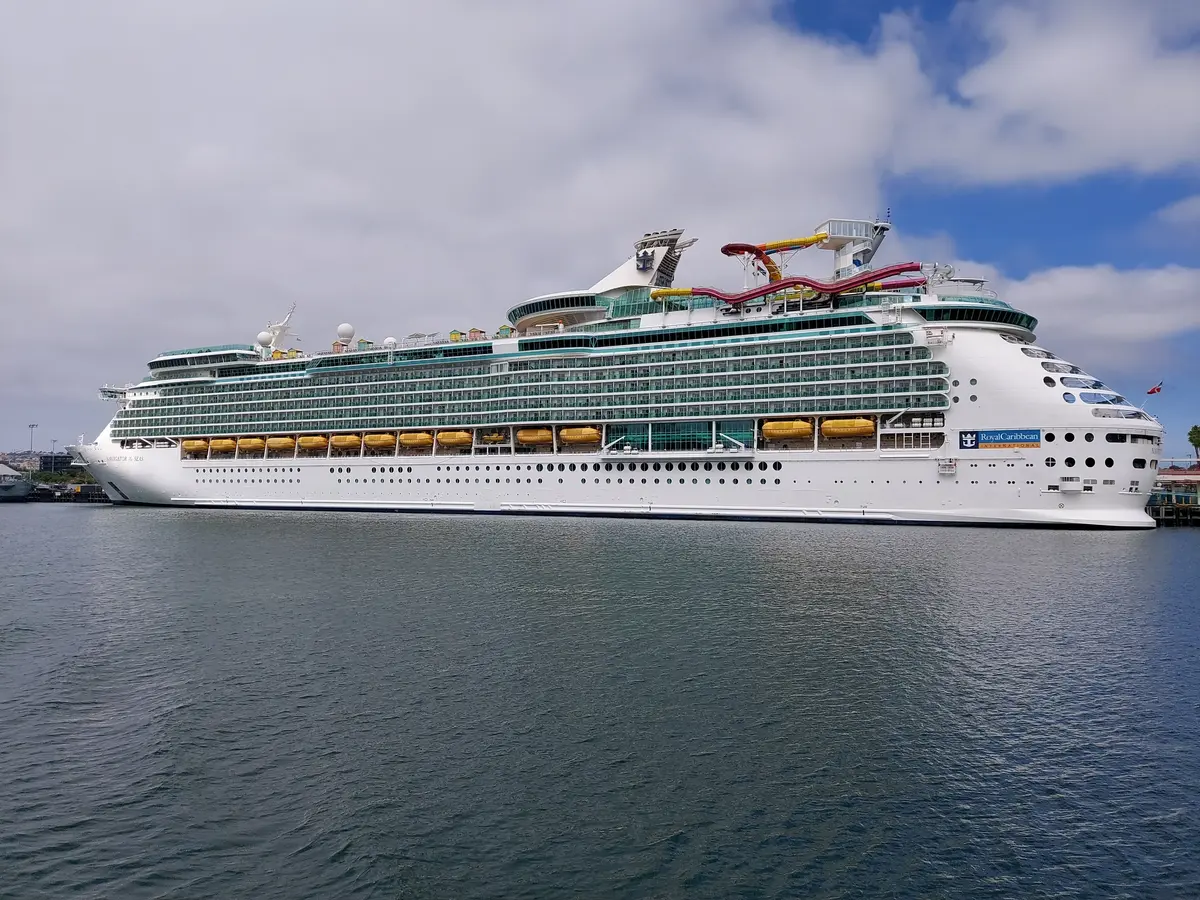
Navigator of the Seas — 13-Night Singapore to Tokyo / April 29, 2027
Dates: April 29-May 12, 2027
Embarkation port: Singapore, Singapore
Disembarkation port: Tokyo (Yokohama), Japan
Lowest rate: $2,210 per person for an interior cabin
Ports of call:
- Ho Chi Minh City (Phu My), Vietnam
- Hong Kong, China
- Taipei (Keelung), Taiwan, China
- Jeju (Seogwipo), South Korea
- Fukuoka, Japan
- Nagasaki, Japan
Anthem of the Seas — 8-Night Hawaii / April 29, 2027
Dates: April 29-May 7, 2027
Embarkation port: Oahu (Honolulu), Hawaii
Disembarkation port: Vancouver, British Columbia
Lowest rate: $935 per person for an interior cabin
Ports of call:
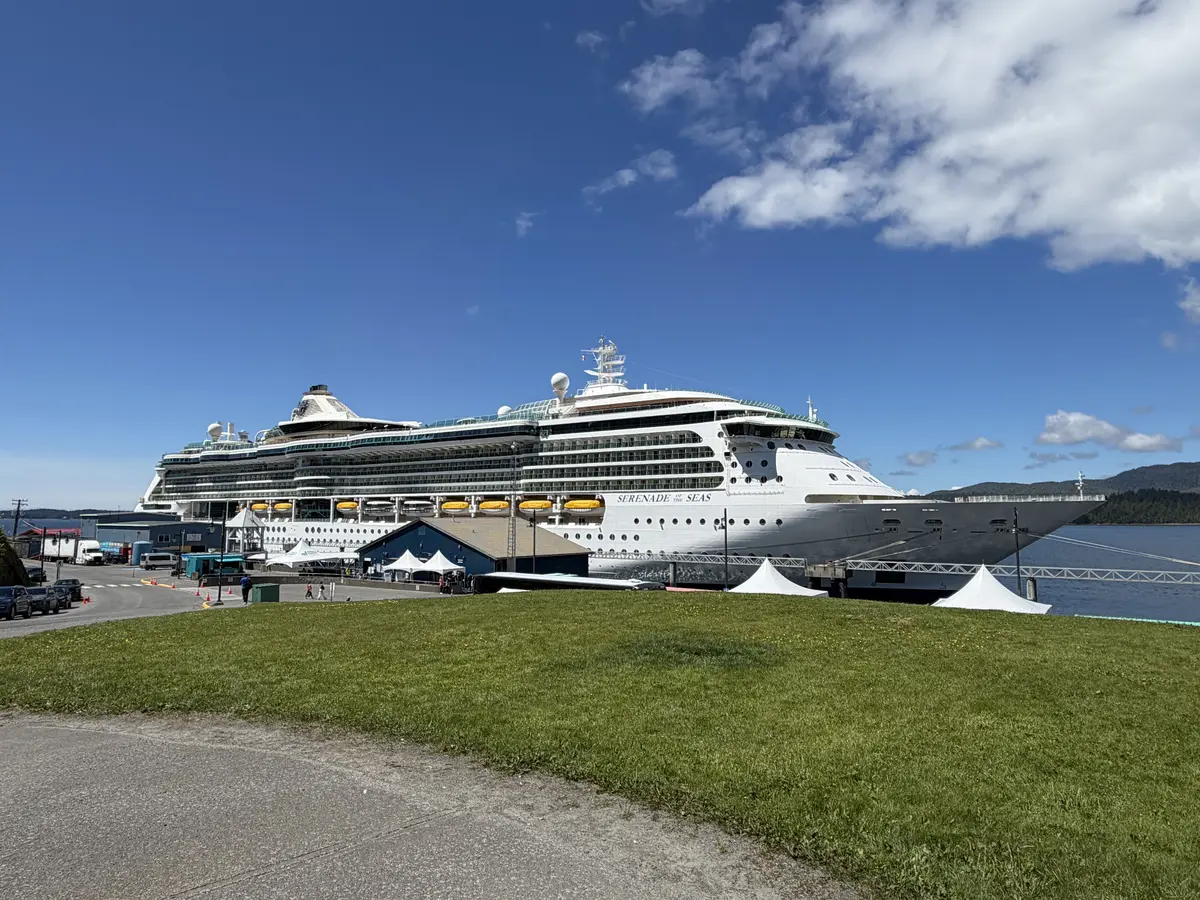
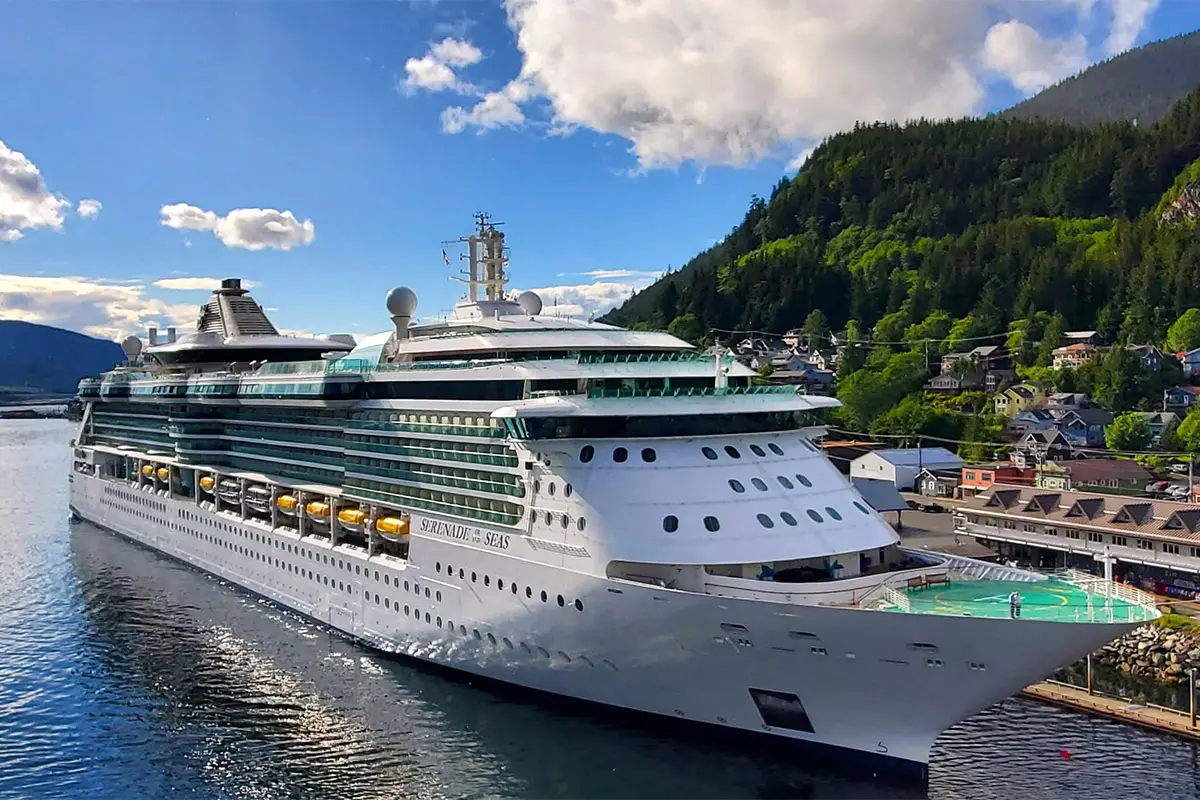
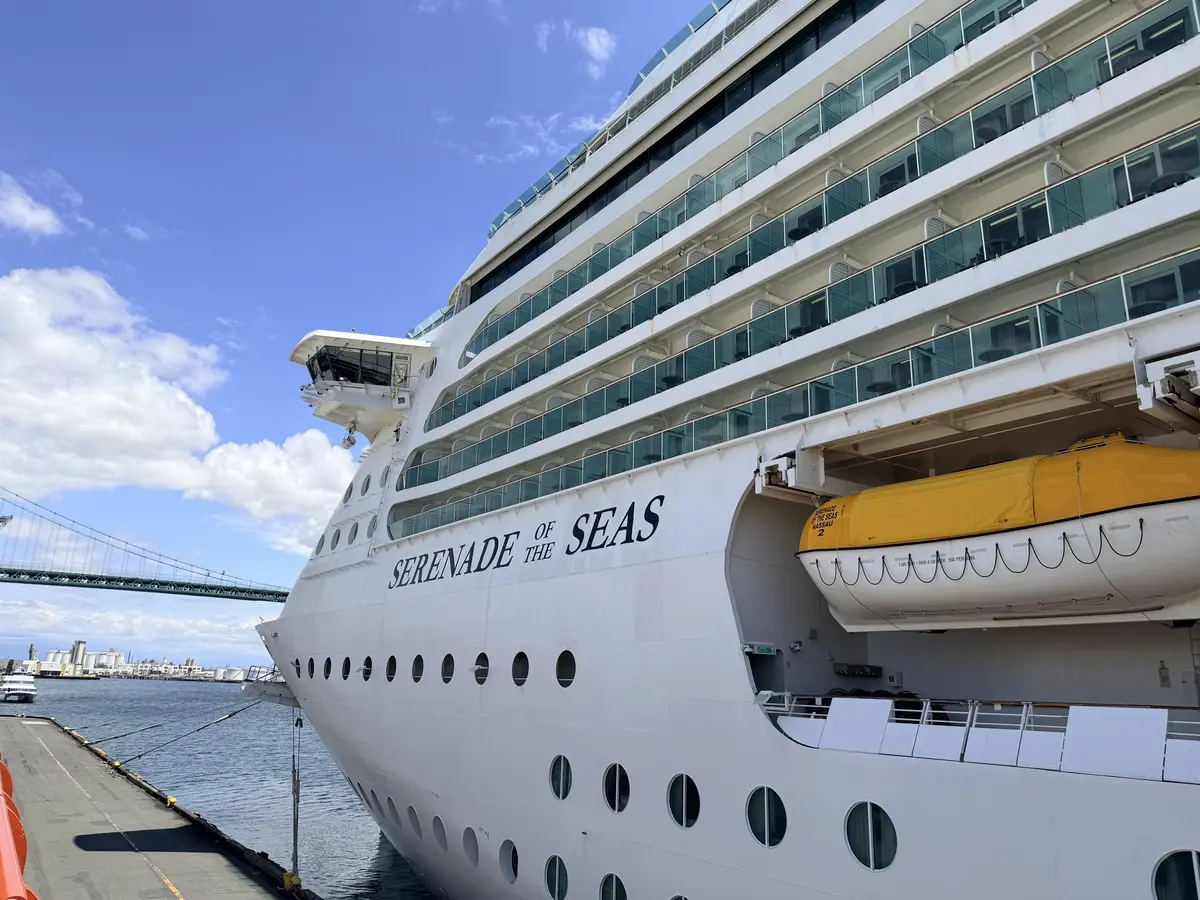
Serenade of the Seas — 7-Night Pacific Coastal / May 2, 2027
Dates: May 2-9, 2027
Embarkation port: San Diego, California
Disembarkation port: Vancouver, British Columbia
Lowest rate: $564 per person for an interior cabin
Ports of call:
- Astoria, Oregon
- Seattle, Washington
- Victoria, British Columbia
Rhapsody of the Seas — 11-Night Best of Italy & Greece / May 3, 2027
Dates: May 3-14, 2027
Embarkation port: Barcelona, Spain
Disembarkation port: Athens (Piraeus), Greece
Lowest rate: $2,417 per person for an interior cabin
Ports of call:
- Florence / Pisa (La Spezia), Italy
- Rome (Civitavecchia), Italy
- Amalfi Coast (Salerno), Italy
- Sicily (Messina), Italy
- Mykonos, Greece
- Ephesus (Kusadasi), Turkey
- Rhodes, Greece
- Santorini, Greece
Navigator of the Seas — 17-Night Tokyo to Los Angeles / May 12, 2027
Dates: May 12-28, 2027
Embarkation port: Tokyo (Yokohama), Japan
Disembarkation port: Los Angeles, California
Lowest rate: $1,252 per person for an interior cabin
Ports of call:
- Mt. Fuji (Shimizu), Japan
- Nagoya, Japan
- Kyoto (Osaka), Japan
- Kobe, Japan
Icon of the Seas — 9-Night Perfect Day CocoCay to Texas / August 7, 2027
Dates: August 7-16, 2027
Embarkation port: Miami, Florida
Disembarkation port: Galveston, Texas
Lowest rate: $1,882 per person for an interior cabin
Ports of call:
- Perfect Day at CocoCay, Bahamas
- Willemstad, Curaçao
- Oranjestad, Aruba
Anthem of the Seas — 10-Night Hawaii / September 26, 2027
Dates: September 26-October 6, 2027
Embarkation port: Vancouver, British Columbia
Disembarkation port: Oahu (Honolulu), Hawaii
Lowest rate: $848 per person for an interior cabin
Ports of call:
Serenade of the Seas — 7-Night Pacific Coastal / September 26, 2027
Dates: September 26-October 3, 2027
Embarkation port: Vancouver, British Columbia
Disembarkation port: San Diego, California
Lowest rate: $650 per person for an interior cabin
Ports of call:
- Astoria, Oregon
- San Francisco, California
Voyager of the Seas — 25-Night Transpacific / October 1, 2027
Dates: October 1-27, 2027
Embarkation port: Seattle, Washington
Disembarkation port: Brisbane, Australia
Lowest rate: $2,797 per person for an interior cabin
Ports of call:
- Oahu (Honolulu), Hawaii
- Moorea, French Polynesia
- Papeete, Tahiti
- Raiatea, French Polynesia
- Port Vila, Vanuatu
- Mystery Island, Vanuatu
Anthem of the Seas — 17-Night Transpacific / October 6, 2027
Dates: October 6-24, 2027
Embarkation port: Oahu (Honolulu), Hawaii
Disembarkation port: Sydney, Australia
Lowest rate: $2,119 per person for an interior cabin
Ports of call:
- Papeete, Tahiti
- Moorea, French Polynesia
- Raiatea, French Polynesia
- Tauranga, New Zealand
Serenade of the Seas — 15-Night Panama Canal Eastward / October 7, 2027
Dates: October 7-22, 2027
Embarkation port: San Diego, California
Disembarkation port: Tampa, Florida
Lowest rate: $1,947 per person for an interior cabin
Ports of call:
- Puerto Vallarta, Mexico
- Puerto Quetzal, Guatemala
- Puntarenas, Costa Rica
- Panama Canal (Cruising), Panama
- Cartagena, Colombia
- George Town, Grand Cayman
Quantum of the Seas — 15-Night Tokyo to Singapore / October 12, 2027
Dates: October 12-25, 2027
Embarkation port: Tokyo (Yokohama), Japan
Disembarkation port: Singapore, Singapore
Lowest rate: $2,434 per person for an interior cabin
Ports of call:
- Kyoto (Osaka), Japan
- Kochi, Japan
- Okinawa (Naha), Japan
- Taipei (Keelung), Taiwan, China
- Hong Kong, China
- Hue / Danang (Chan May), Vietnam
Freedom of the Seas — 12-Night Azores Transatlantic / October 18, 2027
Dates: October 18-30, 2027
Embarkation port: Southampton, England
Disembarkation port: Miami, Florida
Lowest rate: $697 per person for an interior cabin
Ports of call:
- La Coruna, Spain
- Vigo, Spain
- Ponta Delgada, Azores
Odyssey of the Seas — 14-Night Spain & Portugal Transatlantic / October 31, 2027
Dates: October 31-November 14, 2027
Embarkation port: Rome (Civitavecchia), Italy
Disembarkation port: Cape Liberty, New Jersey
Lowest rate: $963 per person for an interior cabin
Ports of call:
- Barcelona, Spain
- Cartagena, Spain
- Málaga, Spain
- Ponta Delgada, Azores
Legend of the Seas — 13-Night Spanish Transatlantic / October 31, 2027
Dates: October 31-November 13, 2027
Embarkation port: Barcelona, Spain
Disembarkation port: Fort Lauderdale, Florida
Lowest rate: $1,362 per person for an interior cabin
Ports of call:
- Palma de Mallorca, Spain
- Alicante, Spain
- Málaga, Spain
Explorer of the Seas — 14-Night Spain & Morocco Transatlantic / November 1, 2027
Dates: November 1-15, 2027
Embarkation port: Barcelona, Spain
Disembarkation port: Fort Lauderdale, Florida
Lowest rate: $839 per person for an interior cabin
Ports of call:
- Palma de Mallorca, Spain
- Alicante, Spain
- Cartagena, Spain
- Málaga, Spain
- Tangier, Morocco
Brilliance of the Seas — 15-Night Spain & Portugal Transatlantic / November 6, 2027
Dates: November 6-21, 2027
Embarkation port: Rome (Civitavecchia), Italy
Disembarkation port: Tampa, Florida
Lowest rate: $871 per person for an interior cabin
Ports of call:
- Cartagena, Spain
- Lisbon, Portugal
- Ponta Delgada, Azores
- Royal Naval Dockyard, Bermuda
Rhapsody of the Seas — 14-Night Spain & Portugal Transatlantic / November 13, 2027
Dates: November 13-27, 2027
Embarkation port: Barcelona, Spain
Disembarkation port: San Juan, Puerto Rico
Lowest rate: $916 per person for an interior cabin
Ports of call:
- Valencia, Spain
- Cartagena, Spain
- Málaga, Spain
- Seville (Cadiz), Spain
- Tangier, Morocco
- Casablanca, Morocco
Grandeur of the Seas — 7-Night San Juan to Colón / November 27, 2027
Dates: November 27-December 4, 2027
Embarkation port: San Juan, Puerto Rico
Disembarkation port: Colón, Panama
Lowest rate: $674 per person for an interior cabin
Ports of call:
- Charlotte Amalie, St. Thomas
- Philipsburg, St. Maarten
- Castries, St. Lucia
- Willemstad, Curaçao
Is a longer cruise worth it?
Unfortunately, I'm not yet at the phase of life where considering unique reposition sailings makes sense.
With my partner's work schedule as an elementary school teacher, it's difficult to get a lot of time off during the academic year. As such, our travel is generally limited to peak seasons, like spring break and summer, which generally don't see as many unique voyages.
Not only that, but we don't like leaving our senior dog for extended periods. He is nearing 14 years old and has a few health concerns. The last thing we'd want is to be at sea in a drastically different time zone during a crisis.
That said, there are perks to taking longer cruises, and I can't wait until we can experience them ourselves!
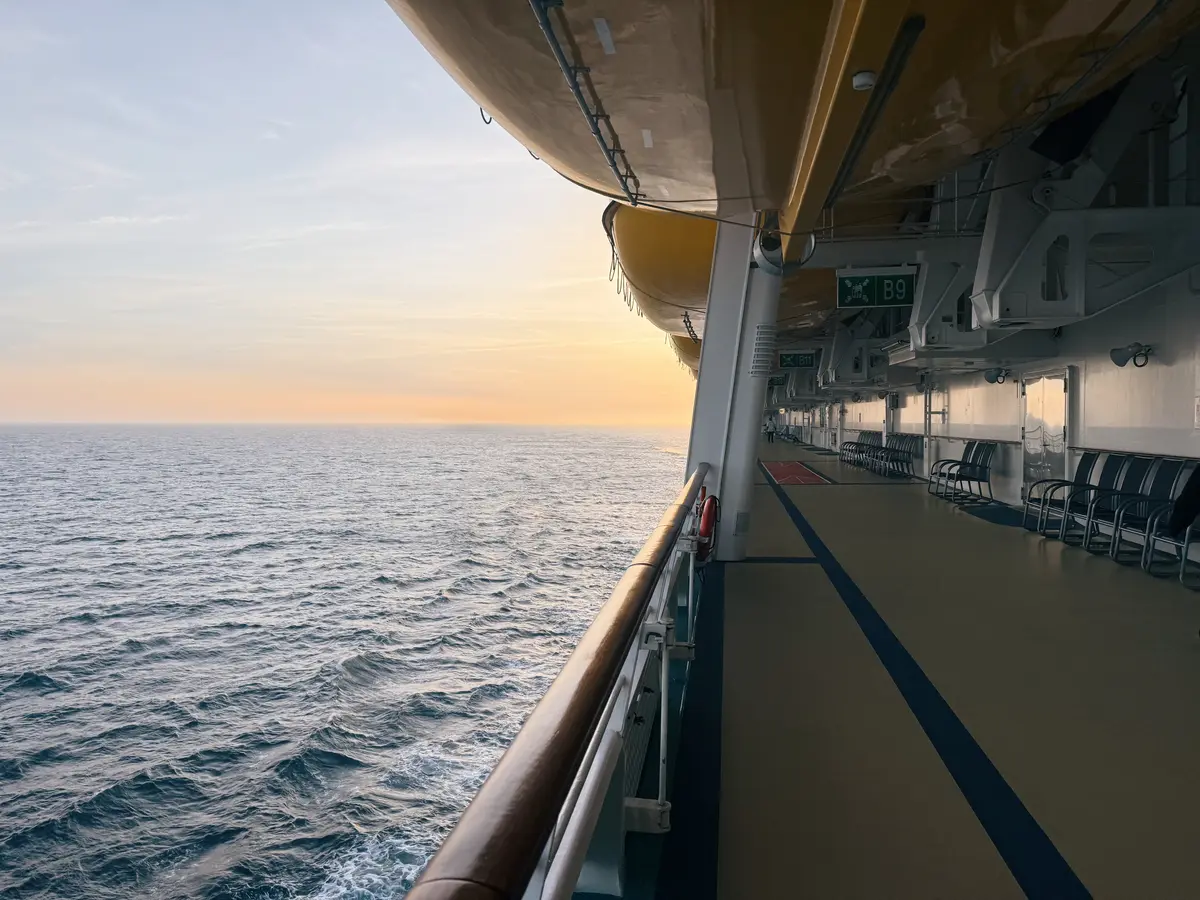
First, you have more time to enjoy the ship. Transatlantic and transpacific cruises, especially, include multiple consecutive sea days.
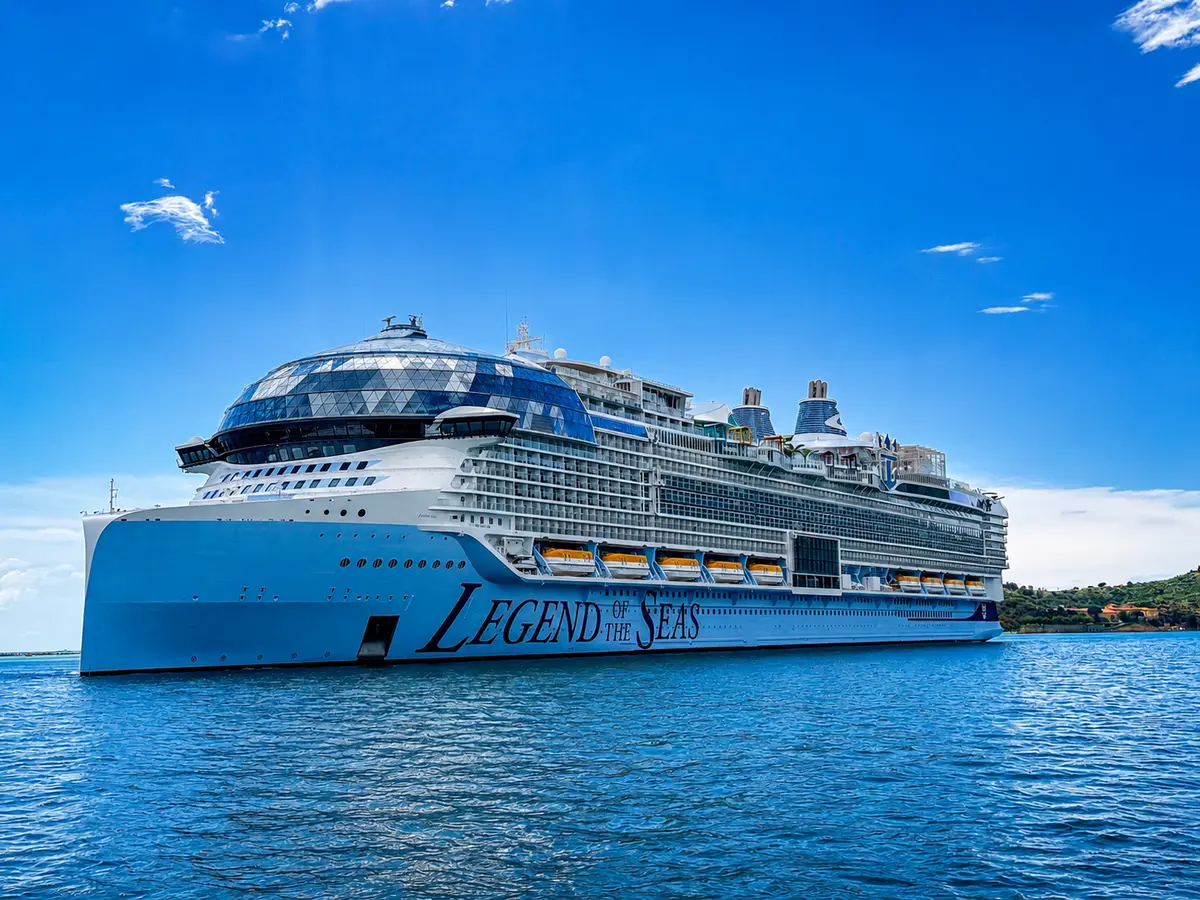
And with massive vessels like Legend of the Seas now offering transatlantic cruises, having extra time onboard means you won't be rushed trying to experience everything the Icon Class ship has to offer!
Additionally, the price per day is often lower than for shorter voyages. For example, the cost per night for Freedom's 12-night Azores cruise in October 2027 starts as low as $58 per person!
That said, it's not uncommon to find high last-minute prices since these itineraries are offered so infrequently. As such, you'll want to book these one-off wonders early.